
July 27, 2026
/
Jay Turner
Hearing aids completely change how people experience the world, but these tiny devices can occasionally act up without warning. One moment, everything sounds crisp, and the next moment, the audio becomes muffled, scratchy, or completely silent. It is incredibly frustrating when technology fails, especially when it affects daily communication and connection with loved ones.
Fortunately, a sudden drop in sound quality does not always mean the device is broken or needs an expensive repair. Most common hearing aid issues stem from simple blockages or minor setting misalignments that people can easily resolve at home within just a few minutes.
Clear Out Sudden Earwax Obstructions
Earwax represents the most common culprit behind a sudden drop in sound volume or clarity. This natural substance easily migrates into the tiny openings of the device and completely blocks the sound waves from reaching the ear canal. People should carefully inspect the receiver end of the hearing aid using a magnifying glass and a bright light.
Utilizing the small brush or cleaning tool provided by the manufacturer allows for the gentle removal of any visible debris. Regularly changing the wax guard prevents this buildup from causing permanent damage to the delicate internal components.
Swap Out the Batteries Immediately
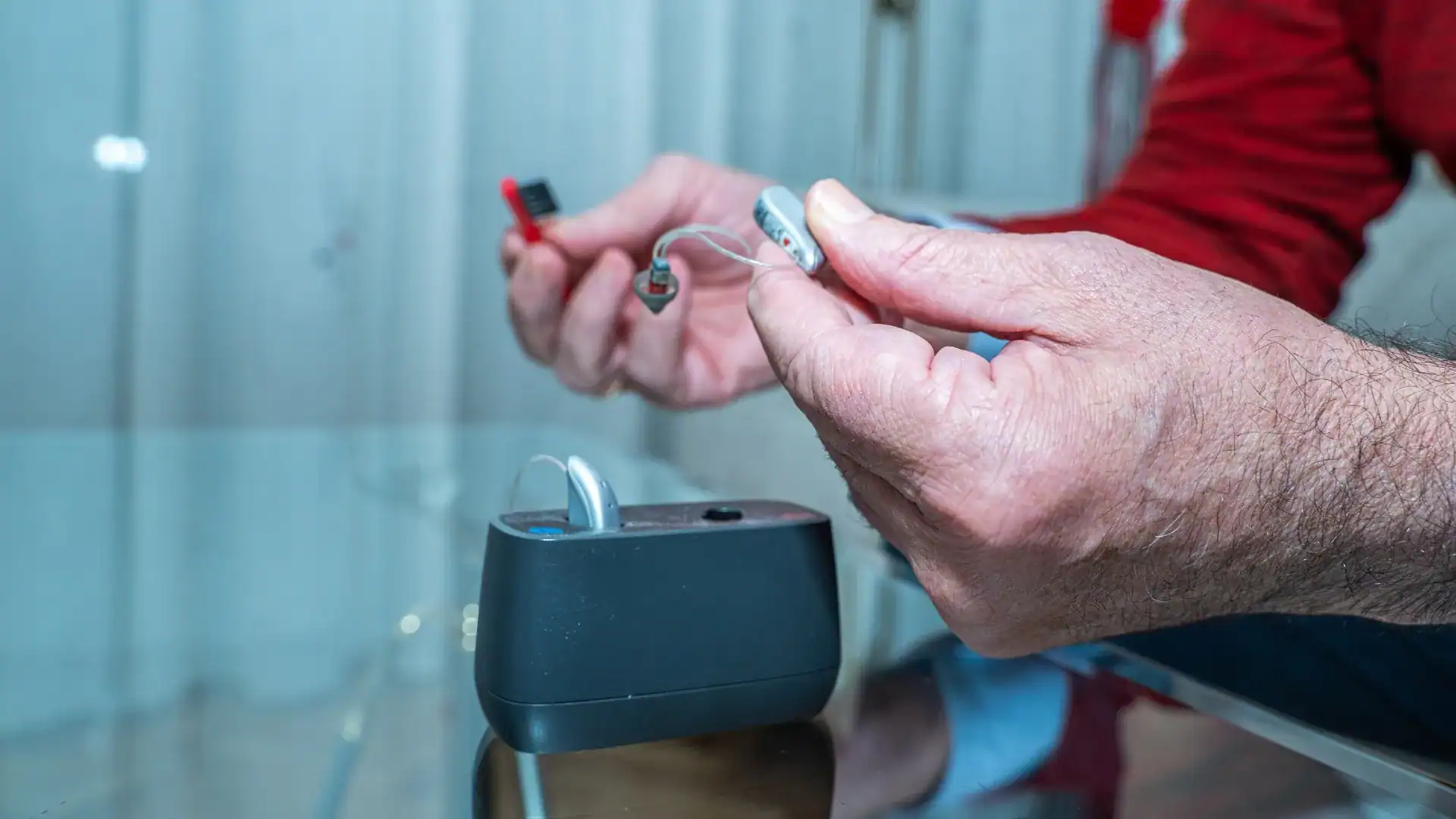
Low battery power frequently causes distorted sound quality or intermittent performance before the device dies completely. Even if the battery tester indicates some remaining power, a fresh battery often solves mysterious audio issues instantly. People using rechargeable models should place the devices back into the charging base for a short cycle to reset the power flow.
Ensuring the battery contacts stay clean and free of dust also maintains a steady stream of electricity. Replacing or recharging the power source removes the primary variable when troubleshooting a malfunctioning hearing device.
Remove Moisture From Internal Parts
Moisture from daily perspiration or high humidity heavily impacts how electronic components process sound waves. A damp hearing aid often produces static, crackling noises, or a weak signal that cuts in and out. People can place the devices inside a specialized dehumidifier overnight to draw out trapped moisture safely.
Opening the battery door during this drying process allows air to circulate through the internal compartments much more effectively. Avoiding the bathroom during hot showers prevents steam from penetrating the protective outer casing of the equipment.
Check and Adjust the Volume Control
Sometimes the simplest explanation resolves the issue when the volume suddenly feels inadequate or overwhelmingly loud. Accidental bumps to the physical buttons or unintended swipes on a smartphone application can easily alter the amplification levels.
People should verify the current settings on their remote control or mobile program before panicking about a broken device. Resetting the hearing aid to its default startup program often clears out any accidental modifications to the frequency balance. Confirming the program selection ensures the device matches the current acoustic environment.
Inspect the Tubing for Small Kinks
Behind-the-ear models rely heavily on a clear plastic tube to deliver sound from the case into the ear. This tubing can easily become twisted, hardened, or filled with tiny droplets of moisture over time. A single kink in the plastic restricts the flow of sound and creates a muffled acoustic experience.
People should gently straighten the tube or replace it entirely if the material feels stiff and brittle. Ensuring a secure connection at both ends of the tube maintains optimal acoustic performance throughout the entire day.
Partners in Your Hearing Care Health
Some audio issues require professional care. Persistent static or complete silence often points to internal component failures that need advanced diagnostic tools. My Hearing Centers provide the precise adjustments and deep cleaning necessary to return devices to peak performance.
If ongoing sound issues are causing frustration, reaching out to our practice today for a comprehensive maintenance check will help. Addressing these technical glitches early ensures communication remains effortless and the world stays crystal clear. Contact the team to schedule an appointment and get that vibrant, reliable sound quality back.
View Our Blog